Plugins & Extensions
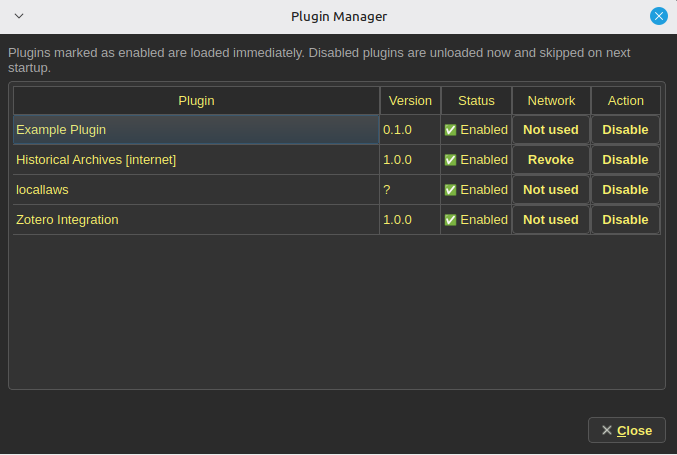
Papyrus is designed to be extendible so it can be used in a variety of fields
Why extensions exist
Research fields differ in sources, metadata, terminology, and retrieval habits. Extensions provide a place for field-specific importers, panels, commands, and project data.
Historical Archives
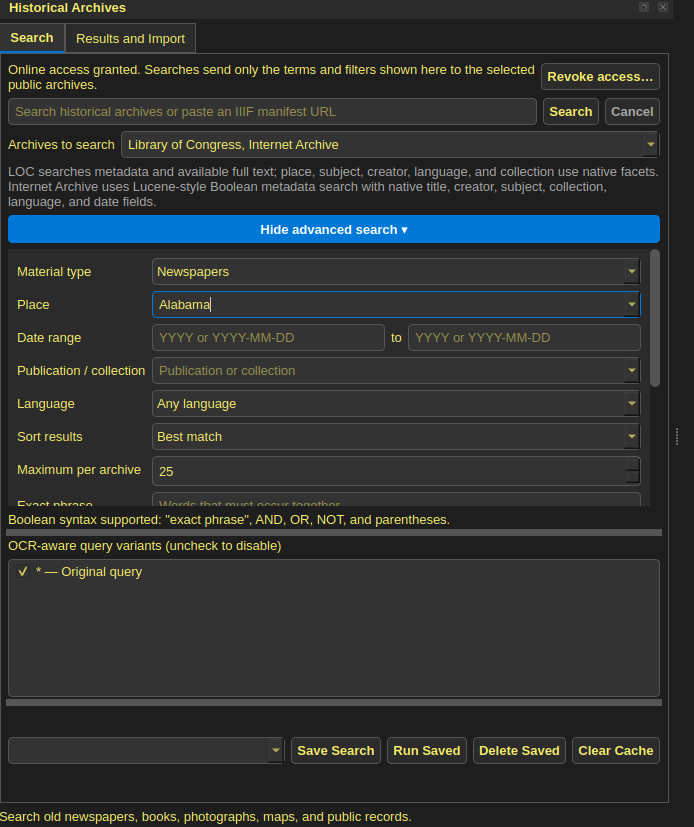
This plugin allows a researcher to directly query various APIs (like the Library of Congress) for historical records such as newspapers. It supports keyword search, date filtering, and boolean searching, allowing a researcher to quickly find and pull relevant historical material into their project without ever leaving the app.
Zotero
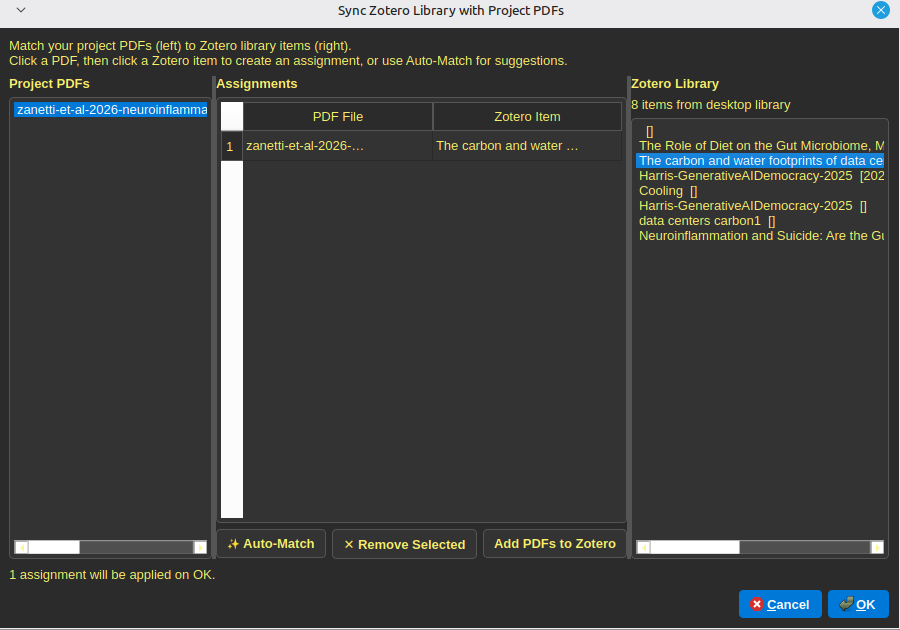
This plugin allows connecting the citation dock to your Zotero library, improving the quality of the citations provided. If information is missing from the citation dock for a particular source, you can sync that source with Zotero to get the missing information and a more accurate citation.
Local Laws & Precedent
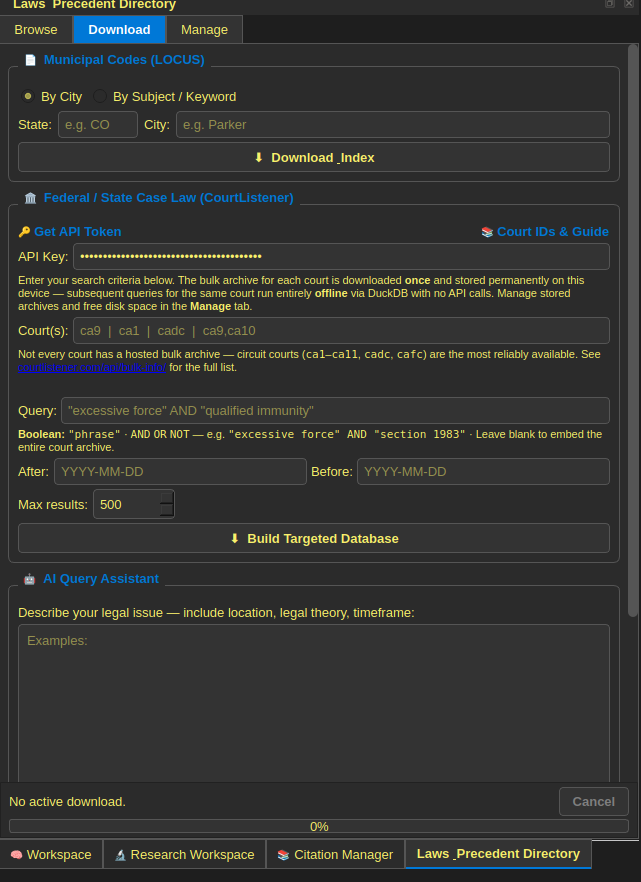
This plugin allows querying various APIs (such as Court Listener) to pull legal precedents and judicial decisions, using keyword and boolean search, as well as having a filter for jurisdiction and time period. This allows a researcher to quickly find relevant precedent without leaving the app.
Permissions and limitations
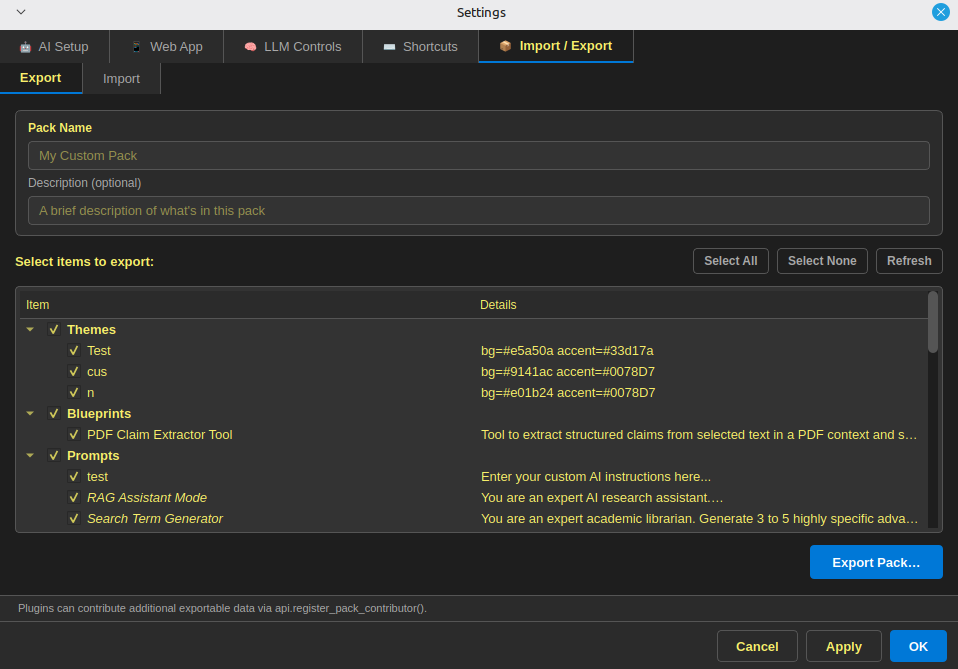
The documented loader can declare capabilities, enable or disable an extension, and route supported actions through a public API. Those conventions improve reviewability but are not, by themselves, a security sandbox. A malicious or flawed extension may be able to use facilities outside the documented facade. Network enforcement, cleanup, background work, and side effects need testing.
Packs
A pack is intended to bundle reusable configuration such as analysis templates, workflows, dictionaries, or extension settings. Imported content still needs validation, version compatibility, and a clear account of changes.